About this view
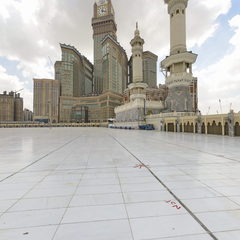
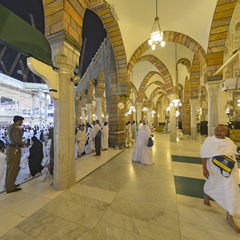
This experience presents the Prophet’s Mosque in an interactive panorama that can be explored in every direction. Its standalone page gives visitors direct access to the Madinah experience while keeping related Makkah panoramas one click away inside Explore.
What can you see?
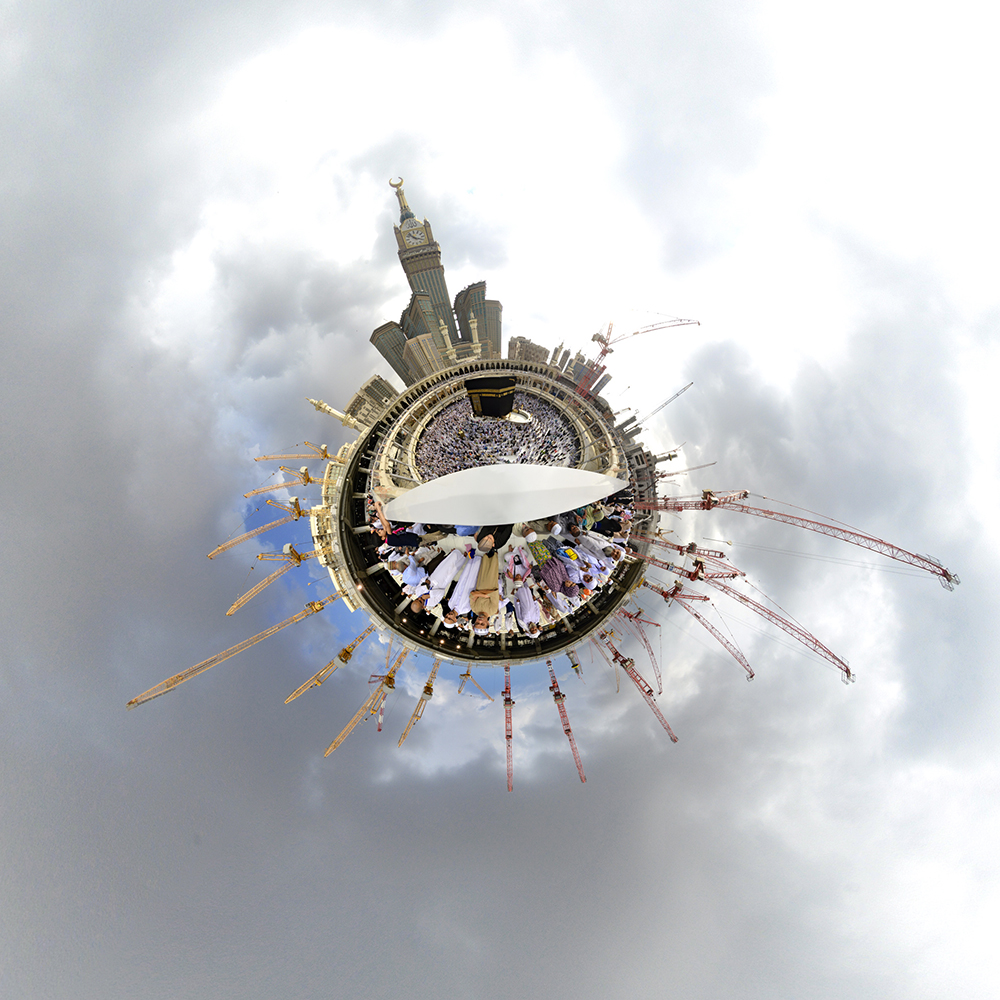
The panorama provides more spatial context than a conventional photograph because the visitor controls the viewing direction. Use touch on mobile or a mouse on desktop to explore the view.
How to use the 360 viewer
Drag the view left, right, up or down and zoom to inspect details. On mobile, use touch controls and fullscreen mode for a more immersive experience.
Frequently asked questions
How do I move around the 360 view?
Drag with your finger on mobile or with a mouse on desktop, then zoom or use fullscreen.
Do I need a special app?
No. The experience runs directly in a modern web browser.
Can I share this scene?
Yes. Each scene has its own permanent URL and can be shared directly through WhatsApp or the device share menu.
Share your thoughts
Comments are moderated before publication. Please do not post personal information.